
Who this is for and what it does
Schedulers and Platform Admins handling a client's request to change a booked appointment. Clients cannot change appointments themselves.
Steps
Move it to a new date or time
Open the appointment and select Reschedule.
Set the New date, New start time, New end time and Timezone.
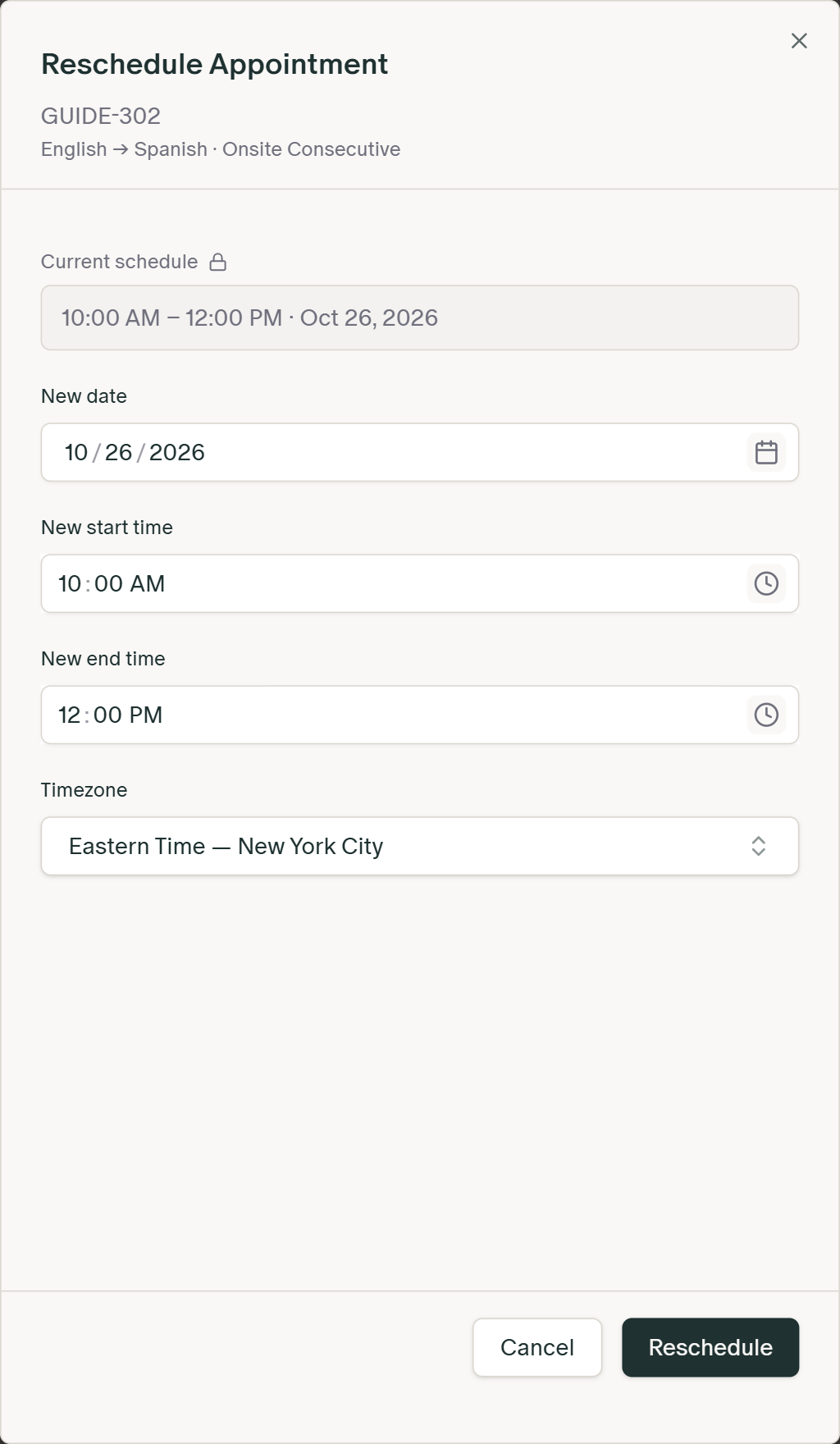
Select Reschedule. A message reads "Appointment rescheduled successfully."
Change other details
Open the appointment and select Edit.
Change what you need, for example the requestor, contact person, description, gender preference, preferred interpreter, address or times. A sign language video appointment cannot be saved until Where is the deaf consumer? is answered.
Select Save changes. A message reads "Appointment Updated!"
What you will see
Edit shows for appointments that are New, Pending, Broadcasted or Scheduled. Reschedule shows for a single appointment that has not started. For a date in a recurring series, see Manage a recurring series.
Once the appointment is Broadcasted or Scheduled, Communication Type, Language From, Language To and Service Delivery are greyed out. To change them, cancel the appointment and book a new one.
Changing the date or time keeps the assigned interpreter on the appointment.
Things that most often look wrong, and why:
"Start time must be in the future." Choose a later start time.
"End time must be after start time." Check the end time and the time zone.
"Please fix the highlighted fields before saving." A required field is missing or wrong; the page scrolls to it.
There is no Edit or Reschedule button. The appointment is completed, cancelled or on demand, or it has already started.
Available since March 2026. Updated in Release 10.19.2026.
Last updated 19 October 2026