
Who this is for and what it does
Platform Admins use this to give a Piedmont Global colleague access to Connexus. Client users and interpreters are added elsewhere: client users from the client, interpreters from Interpreters.
Before you start
You need the Platform Admin role.
Decide the role. See "What each Connexus role can do".
Steps
Open Users and select Add User.
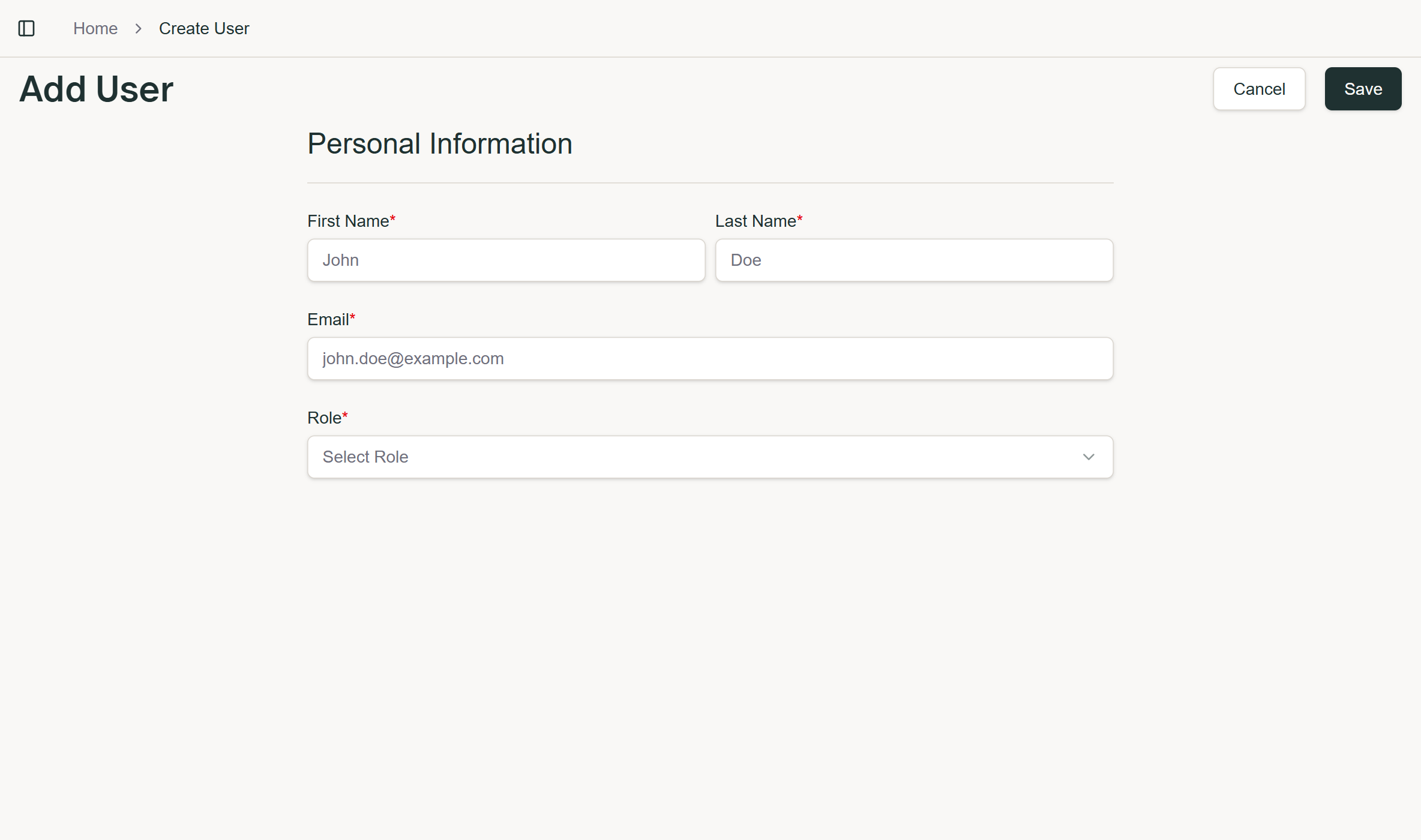
Enter First Name, Last Name and Email.
Under Role, choose PlatformAdmin or Scheduler. The list also shows AccountRep, which has no screens yet.
Select Save.
To leave without saving, select Cancel. If you typed anything, confirm with Yes, cancel.
What you will see
A message reads "Admin User Created!" and you return to Users. The new account is pending until the person accepts the invitation. In the users list, Source reads Manual for accounts created in Connexus and Enterprise for accounts that come from an organization's identity provider.
Resend the invitation
Open the user from Users. While they are pending, select Resend Invitation, then Send Invitation. An invitation can be resent up to 5 times a day.
Change their role later
Open the user from Users, change Role, and save. Interpreter, client Admin and Client User accounts cannot be switched to another role.
Things that most often look wrong, and why:
"Email already exists". Someone already has a Connexus account with this email. Find them in Users.
"This email is held by a deactivated account and cannot be reused." The address belongs to a deactivated account. Contact the product team to restore or release it.
"You do not have permission to assign this role". Only Platform Admins can add internal users.
The colleague never got the invitation. Ask them to check spam, then resend it.
Available since March 2026
Last updated 14 October 2026